Skip to content
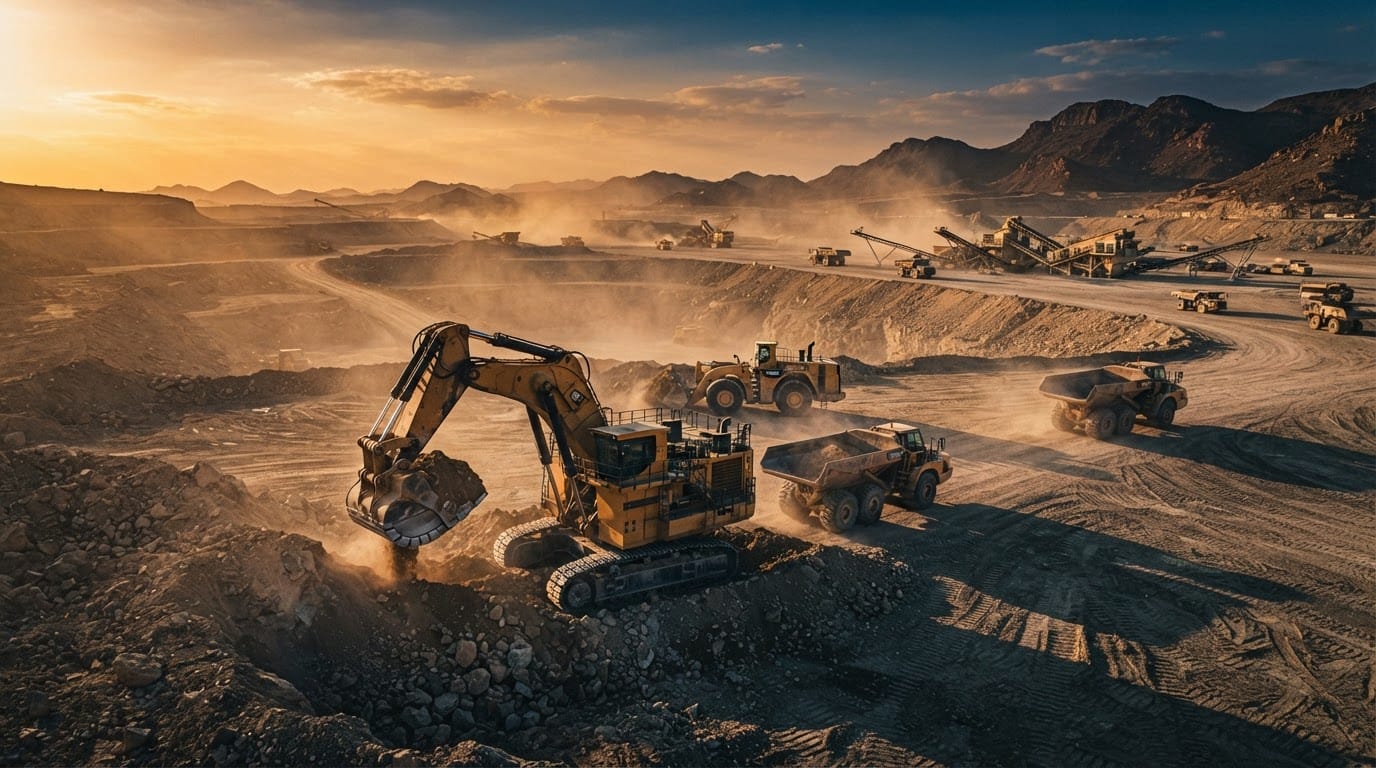
Excavators and heavy equipment on an active site
Fleet & assets

One identity and an unbroken history for every machine

Register each heavy machine with a fixed internal number, its type, manufacturer, model year, attachments, and meters — plus its status, location, and assigned project. Everything that happens to it afterwards is recorded on that same register.

Before

What happens today without this module

  • 01Every site keeps its own spreadsheet, so nobody knows how many machines are actually available today
  • 02Operating hours are estimated, so the maintenance schedule drifts off them
  • 03A machine’s history is scattered across the workshop, the warehouse, and the office, so replacement can’t be judged
Capabilities

Exactly what this module does

  • Fixed internal numbering

    One number shown on every screen and report, independent of vehicle numbering.

  • Equipment type and attachments

    A unified type list with the attachments mounted on each unit.

  • Multiple meters

    Engine hours or kilometers, tracked separately per measuring unit.

  • Status and location

    Available, under maintenance, or out of service — and where it is right now.

  • Explicit decommissioning

    A retired machine is locked out of movements, fuel, and fault reports, while its history stays readable.

  • Bulk import

    Ready-made templates with dropdown lists matching the system’s fields.

Inside the service

How it actually works in your company

Heavy-equipment data usually lives scattered across site spreadsheets, workshop notebooks, and supervisors' memory — nobody can reliably say how many machines are available today or retell the history of a specific unit. This service gives every machine one record under a fixed internal number that appears on every screen and report, and posts everything that happens afterward against it: movements, maintenance, fuel, inspections, incidents. A machine's full story reads from one place, from registration day to the replacement decision.

01

One identity, never duplicated

Every machine is registered under an internal number that is unique within the heavy-equipment class, independent of vehicle numbering, and that number — never a system identifier — is what appears in lists, reports, and page links. The equipment type is picked from one unified list of familiar Saudi-market names, from backhoes and wheel loaders to cranes, man lifts, and crushers, while attachments are registered as units linked to their parent machine so they never mix with standalone equipment.

02

Meters that match the work

Each unit declares its measurement system at registration: operating hours, kilometers, both together with a designated primary meter, or no meter at all — in which case its schedules run on dates. Every reading is stored in a dedicated readings log along with its source, whether it came from a field entry or an import file, so maintenance scheduling is built on documented numbers rather than supervisor estimates.

03

Bulk onboarding without chaos

Importing starts from a ready template whose Arabic columns match the form's fields exactly, and every field that is a fixed choice in the system arrives as a dropdown in the template itself, so no free-typed value lands where the system expects a defined option. Before executing, a preview shows what will be added, updated, or skipped with the reason; a row matching an existing internal number updates that record, and an empty cell keeps the stored value untouched.

04

A code that opens the field, no account

Every machine gets a printed code stuck onto it. Scanning it from any worker's phone opens a public page — no login — showing the machine's identity and offering the field actions: daily inspection, fault report, movement recording, diesel filling, accident documentation, and a photo-backed maintenance report, plus access to the machine's log. The page is multilingual and speaks the operator's language, so site workers need neither an account nor training.

05

Retirement is a documented decision

Dropping a machine from the fleet is an explicit action recorded with its reason, its author, and its date — not a mere status flip. The dropped unit automatically disappears from all operational lists, the system refuses new movements or fault reports against it, the import file skips its rows, and even approving one of its old movements never touches its preserved state. Its entire history stays readable for reference and accountability: retirement freezes the record, it never erases it.

Inside the product

The screen as your team uses it

Heavy Equipment
Screen of Heavy Equipment
From the field, no account

One code on the asset opens all of this

The technician or driver scans the code printed on the asset and a public page opens in four languages — they submit directly, with no account and no app, and the entry lands on the asset record instantly.

  • A four-language interface, with free text auto-translated
  • A draft that never dies: saved on-device and restored even after a network drop or a closed browser
  • Duplicate-proof submission, with ID numbers shown masked
Try the asset search

What gets recorded from this page for this module

Straight from the work site

  • Maintenance report with photos
  • Daily inspection
  • Fault report
  • Movement entry
  • Diesel refueling
  • Accident report
  • Equipment record
The flow

How the process runs end to end

  1. 01

    Register

    Enter the machine manually or import a file

  2. 02

    Assign

    Link it to a project, a site, and a custodian

  3. 03

    Operate

    Its maintenance, fuel, and movements are recorded against it

  4. 04

    Review

    Cumulative cost that supports the replacement decision

After rollout

What actually changes

No promises built on numbers we don’t know about your company. What follows is the structural difference of wiring this module into the rest of the platform.

One register
per machine, instead of scattered files
A documented meter
driving the maintenance schedule
Visible cost
for each unit on its own

Limits of this module

Location is recorded from field entries and approved movements, not from a tracking device mounted on the machine.

Try Heavy Equipment on your own assets — not a generic example

We tailor the demo to your operation, starting with the module that blocks your team today.