Inside the service
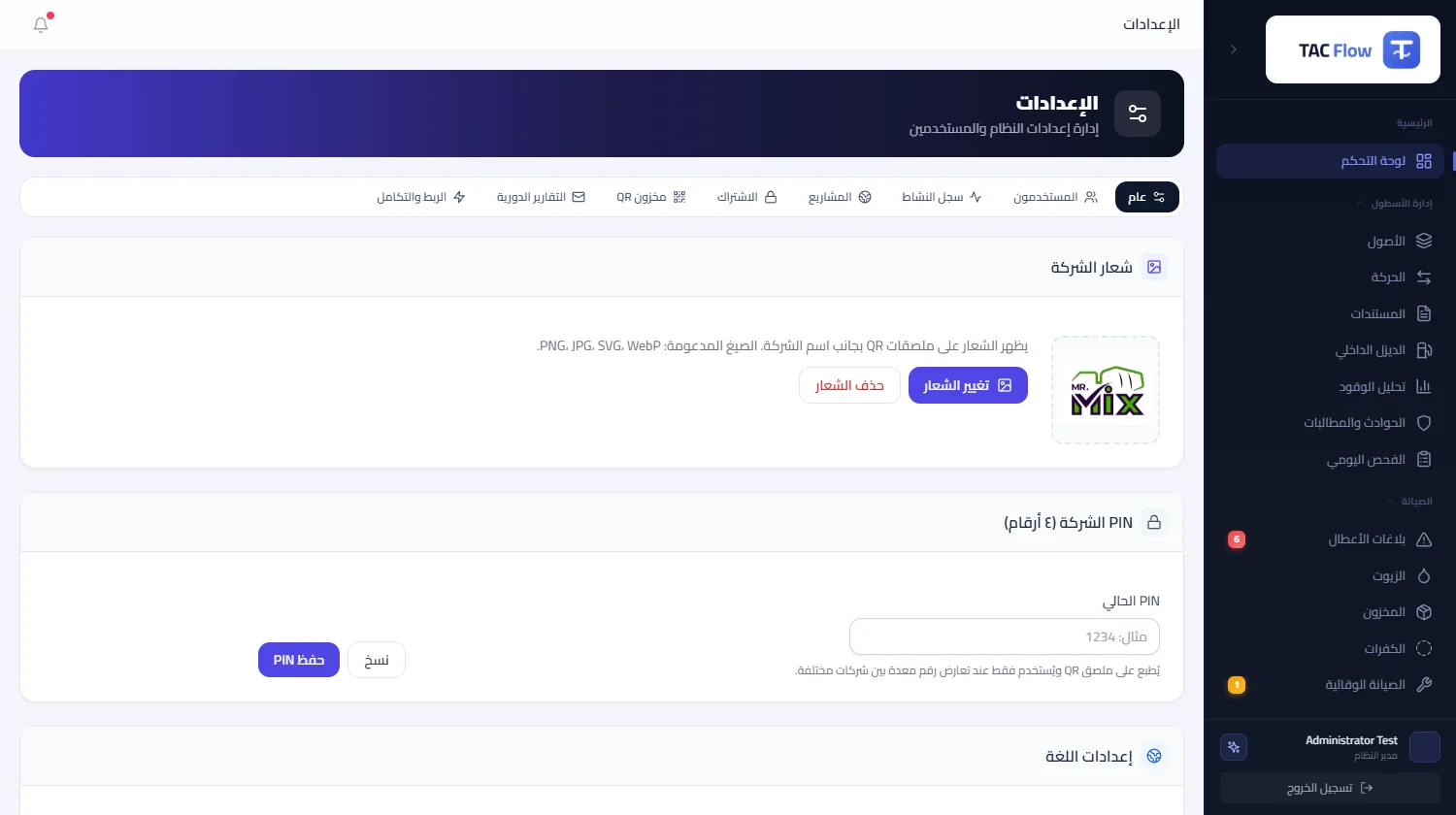
Operational data exported by hand and re-typed into another system loses accuracy and arrives late. This module is the controlled external integration door: keys your company issues with tightly scoped permissions, read endpoints for assets, maintenance, incidents, movements, fuel, meters and inspections, and signed real-time notifications reaching your systems the moment an event occurs. The module is a premium add-on enabled by the platform operator on explicit request, per customer — it never enters any package automatically.
01
Keys managed, not handed out
A key is shown once at issuance and is stored only as an irreversible cryptographic fingerprint — even the database does not keep the secret itself. Each key carries a permission scope defining what it may read, an optional expiry, instant revocation that cuts access immediately, and a usage log recording every call and retaining it for ninety days. A company can hold up to twenty active keys — one per integration — so revoking one never touches the rest.
02
Incremental reads, gated doors
Eight read endpoints cover assets, maintenance reports, incidents, movements, diesel dispensing, fuel-card transactions, meter readings and daily inspections — strictly read-only, with any write attempt refused outright. Retrieval is paginated under a declared ceiling, and incremental sync fetches only what changed since the last pull instead of re-transferring everything. A key sees only what its scope allows and what the company's enabled services own — the data door follows your actual subscription.
03
Five signed real-time events
A fault report registered, a maintenance report approved, a movement approved, a fuel transaction recorded, and an asset decommissioned — five events pushed in real time to the endpoints your company registers, up to ten subscriptions. Every message carries a cryptographic signature proving its origin to the receiving system; every delivery is logged with its response status and attempt count; failures retry automatically; and a test send from the settings screen verifies the wiring before going live.
04
A declared ceiling, stable errors
One hundred and twenty requests per minute per key on a sliding window, with overruns answered by a clear message, never silence. The verification path is identical on every endpoint, in fixed order: the key, then revocation and expiry, then subscription standing, then the module's activation, then the owning data module, then the scope, then the rate limit. Errors return in one uniform envelope with fixed, pre-published codes, so a developer builds his handling once and trusts it will not shift underneath him.
05
Documentation and ready guides
A public documentation page explains every endpoint with examples, a machine-readable specification feeds tooling, and a catalog of twenty systems — resource planning, business intelligence and integration platforms — carries a guide and requirements for each, in four languages. Key and subscription management lives in a dedicated tab inside the company's settings. The module itself is a sales item, enabled manually by the platform operator when the customer asks — it is open to no one by default.